
A Dark Room stuck at the fire? Follow the opening to your first cart.
If Light fire works and the room text changes, the sparse opening is not, by itself, a loading failure. Tend the fire, read the changing temperature and stranger messages, then open A Silent Forest when it appears. Gather wood there and return to the room for the builder's newly available actions. Our browser test reached a working first cart without restarting, importing a save or changing the game's speed.
Early-opening spoilers only: forest, builder and cart. Tested on the official desktop-browser host in Chrome on October 14. We stopped before building a hut or entering later exploration. This is not a mobile-app guide, complete walkthrough or fixed-time promise.
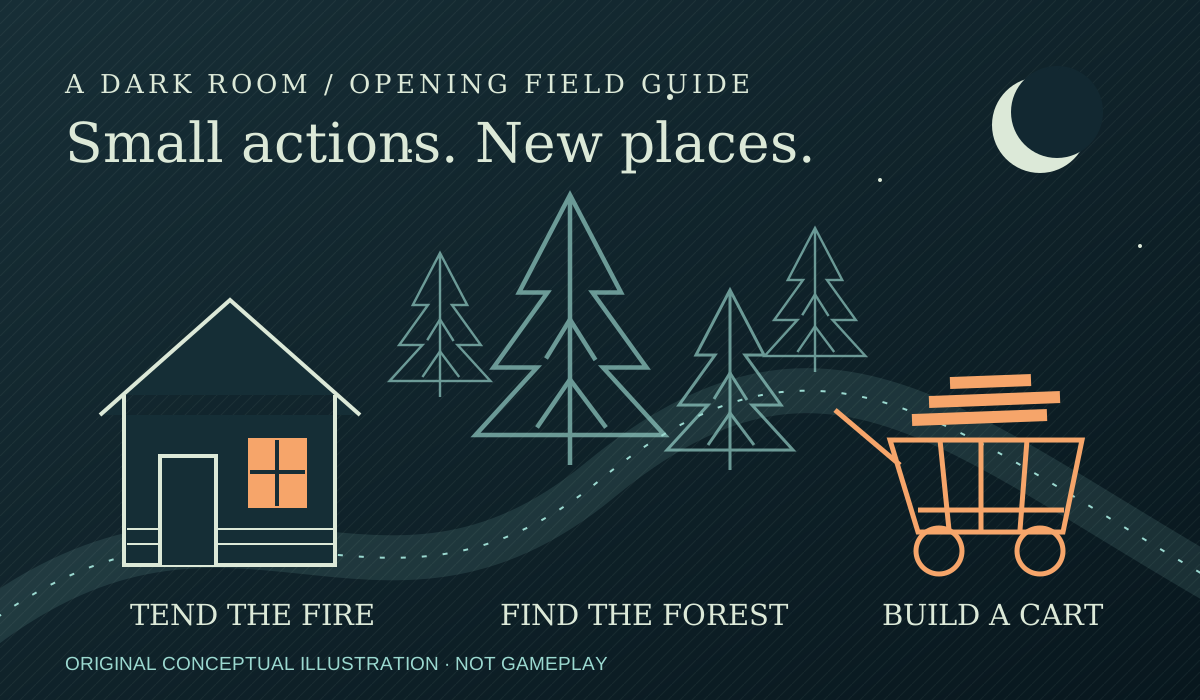
1. Let the opening develop, rather than resetting it
Open the official browser game. Our starting page had Light fire, a dead fire and a freezing room. After choosing the optional Disable audio setting and lighting the fire, the title changed to A Firelit Room and the usable action became Stoke fire. The empty space beneath those controls was still present; the changing text was the evidence that the game was responding.
Use Stoke fire when available and read the notification column. In this run the stranger appeared, the room progressed from cold to mild and then hot, and A Silent Forest appeared alongside the room title. Those were separate observed changes, not one button that opened the entire game at once. We did not click the stranger or search for a conversation menu.
The developer's room code corroborates why warming matters: builder-state progression after the initial arrival checks the room temperature. Repeatedly reloading a cold opening is not a substitute for tending the fire. We are not turning the code's timers into a guaranteed wait on your device.
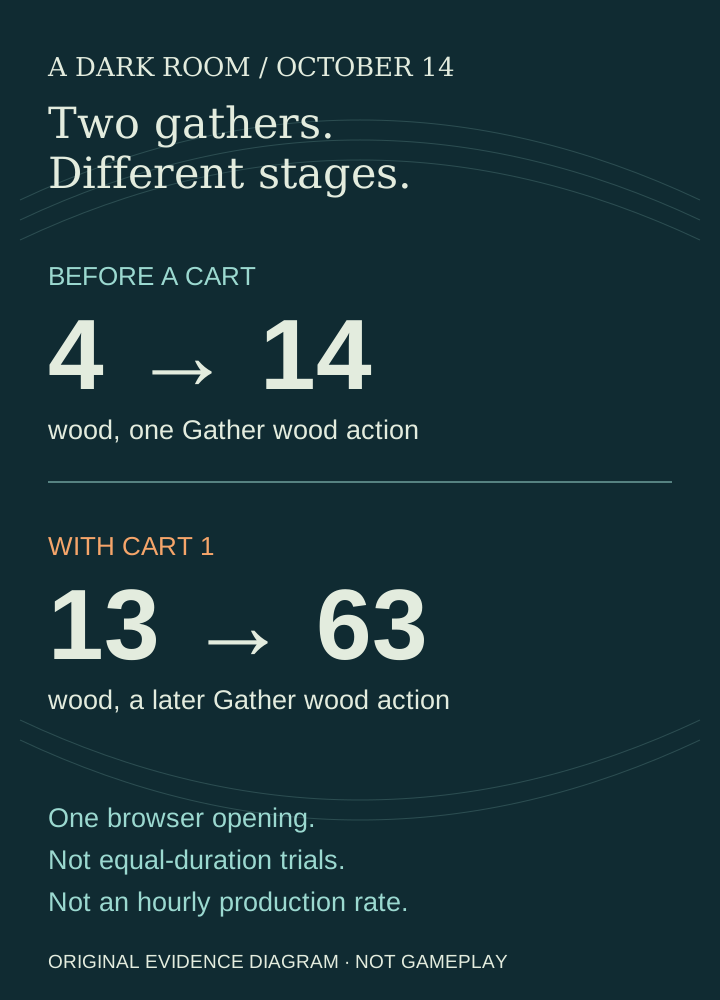
When the forest tab appears, select A Silent Forest, then Gather wood. Our first gather changed the displayed wood count from 4 to 14. Return to A Firelit Room using its title; the forest is another location, not an external link or separate installation.
What happens if the fire goes out?
Do not treat a cooling fire as a reason to restart your run. In the developer's room code checked October 29, the fire loses strength as it cools, and the button can change from Stoke fire back to Light fire. That change does not restart the run in the inspected code. Check the visible fire control and wood supply, then use the normal relight or stoke action. This is a current source check, not a new unattended-fire experiment, a mobile-app test or a guarantee about later events.
2. Build the cart only after the builder offers it
The room's later messages identified the stranger as a builder, and Trap and Cart became available under Build. These controls were not in the initial fire-only screen. We continued gathering until Cart could be built, then clicked it once. The game acknowledged a cart for carrying more wood; the forest panel subsequently listed Cart 1.
The current room source defines the cart cost as 30 wood. Our snapshots around the purchase were 31 wood before returning to the room and 3 after the build, but wood was also changing between observations. Subtracting those snapshots would give a misleading purchase cost; use the defined cost and the owned-cart confirmation rather than treating the balance difference as a receipt.
After the cart was owned and Gather wood became usable, we recorded 13 wood immediately before the action and 63 immediately after. The first gather and this later gather happened at different stages. They show that the cart affected our opening's collection, not the best possible wood rate or a timed comparison of every strategy.
3. Diagnose the kind of “stuck” you actually see
| What you can see | Next check |
|---|---|
| Light fire becomes Stoke fire; temperature or messages change | The page is responding. Keep tending the fire and watch for the forest location instead of assuming the sparse layout is broken. |
| A Silent Forest is visible, but you remain in the room | Select the forest title, gather wood there, and return to the room to check Build. |
| The builder offers Cart, but it cannot be built | Check wood and whether a cart is already owned. Our first cart required 30 wood; after building, the forest listed one. |
| A choice dialog covers the game | Resolve the event before retrying the underlying controls. In our Noises event, we chose Ignore them; this is an observed dismissal, not advice about the best event outcome. |
| An action is temporarily unavailable without a dialog | Watch its cooldown before retrying. Do not confuse a temporarily disabled control with a missing location or an unresponsive page. |
| Controls never appear or nothing responds | This guide has not diagnosed that failure. Preserve the save if accessible, record the exact host, browser and visible message, and investigate loading separately. Do not use Restart as a first diagnostic step. |
A random Noises event appeared after the cart build. While it was on screen, Gather wood was disabled; an attempted gather left the visible count at 9. After we chose Ignore them and the dialog closed, the run later continued. We did not isolate the gathering cooldown from the event, so this is not proof that the dialog alone caused the disabled state. Check both before declaring the button broken.
This confusion predates our run: a player asking why nothing was happening described remaining at the fire, while replies pointed toward the outside location. That discussion is evidence of a reader problem, not a measured timetable. Our route above uses the controls and counters actually observed today.
4. Check persistence without confusing it with offline progress
The bottom Save control opened an Export / Import dialog. Export displayed a save string for backing up or migrating. We inspected that interface but did not import it, verify a cross-device restore or clear browser storage.
Before a same-browser reload, the visible run had both locations, Cart 1 and 69 wood. The first returned screen again showed both locations, Cart 1 and 69 wood. This is a short persistence check, not proof that wood accumulates with the game closed. The page had stayed open for the collection tests.
If a returning session looks empty, first check that you opened the same address and browser profile as your intended run. Keep a backup before trying an import or reset. Our separate browser save-and-return report explains the narrower distinction between retaining a state and earning during an absence.
Backup check added October 15: preserve the destination too
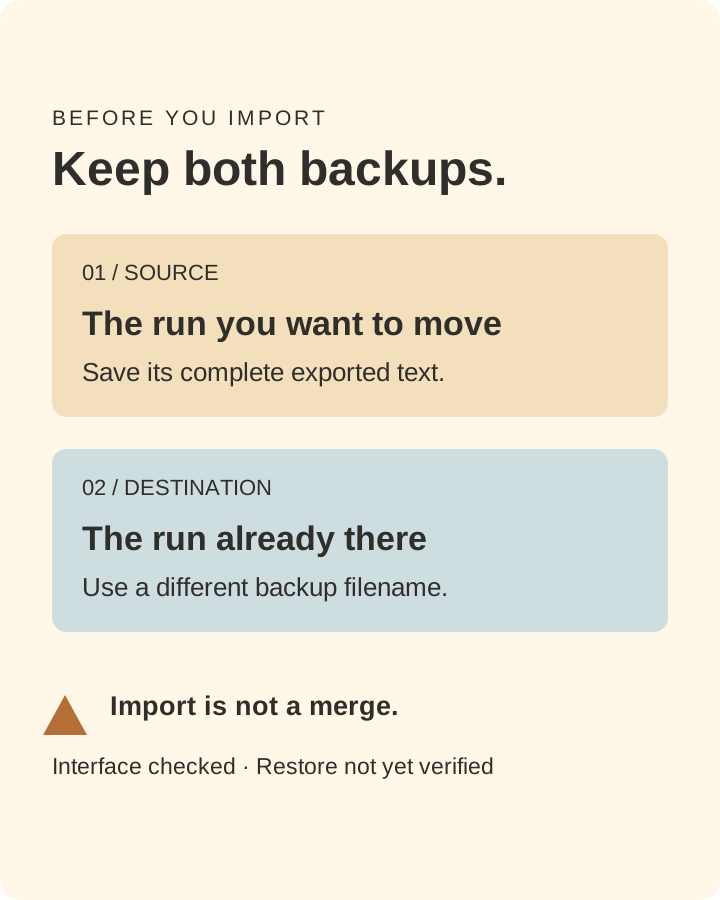
We rechecked Save → Export in both browser environments and retained separate copies. Selecting Import first displayed a warning that invalid code could lose the current data. We stopped there; a successful migration has not been tested. The developer's import code writes the decoded save to browser storage and reloads, rather than merging two runs.
- Export the source run and retain its complete text.
- Export any destination progress into a differently named backup before replacing it.
- Only proceed when you accept replacing that state. Keep the original browser data until the loaded run and important progress have been checked.
What we tested—and where this route stops
One Chrome opening on October 14 on the official host, with sound disabled. We used the visible Light fire, Stoke fire, location tabs, Gather wood, Cart and event controls; no game-console commands, speed setting, restart or imported state. Action timestamps put lighting at 09:07:42 and the first gather at 09:09:04 Hong Kong time. These are our observation times, not universal unlock requirements. The cart gather was read at 09:11:35–36; reload returned the stated state at 09:12:05.
The first fire action also appeared in our earlier three-game opening comparison. Today's new work follows beyond that introduction: forest collection, builder/cart actions, an event interruption and a retained cart after reload. We have not tested hut construction, later exploration, mobile controls, background throttling or long closed-game progress here.
For someone comparing the best incremental games by play style, this opening offers gradual discovery rather than an immediate shop full of generators. That is a preference match, not a universal ranking. If you would rather start with explicit stock and cash counters, the tested Universal Paperclips beginner route is a different kind of opening.
Want a different resource-management opening? Our Kittens Game first-research route follows the job changes between wood, science and food. It covers a continued two-resident village, not a full playthrough or unattended-Winter guarantee. For a broader choice, compare four personally tested browser openings.